Systems Project
Conch —
Unix Shell
A lightweight Unix shell built from scratch in C — implementing a full read-eval-print loop, POSIX process forking, PATH-based command resolution, and builtin commands.
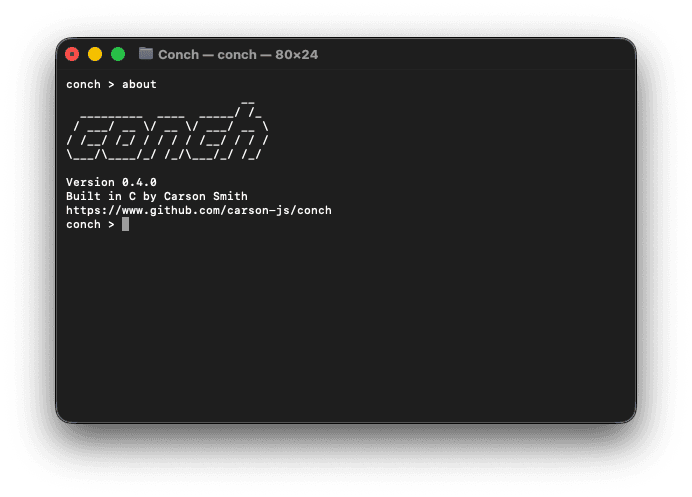
A shell from the ground up
Conch is built entirely in C without any shell library, interfacing directly with the OS through POSIX system calls — managing process creation, executable loading, and memory manually.
The goal was to understand what actually happens between pressing Enter and seeing output: how the shell tokenizes input, why some commands must run inside the shell process (like cd), and how fork + execvp hands off execution to an external program.
Command pipeline
Every command travels through a short, focused pipeline: tokenized into an argument array, checked against the builtin table, then either executed in-process or handed off to a forked child.
External commands are executed by forking a child process with fork() and replacing it via execvp(). The parent blocks on waitpid() until the child exits. Builtins like cd must run in-process — a child can't change the parent's working directory.
Modular by design
The codebase is split across focused source files so each concern — parsing, execution, builtins — lives in exactly one place.
Planned features
Conch is actively being developed. Each of these features requires a deeper dive into how real shells handle I/O and process management.